 Join our Discord
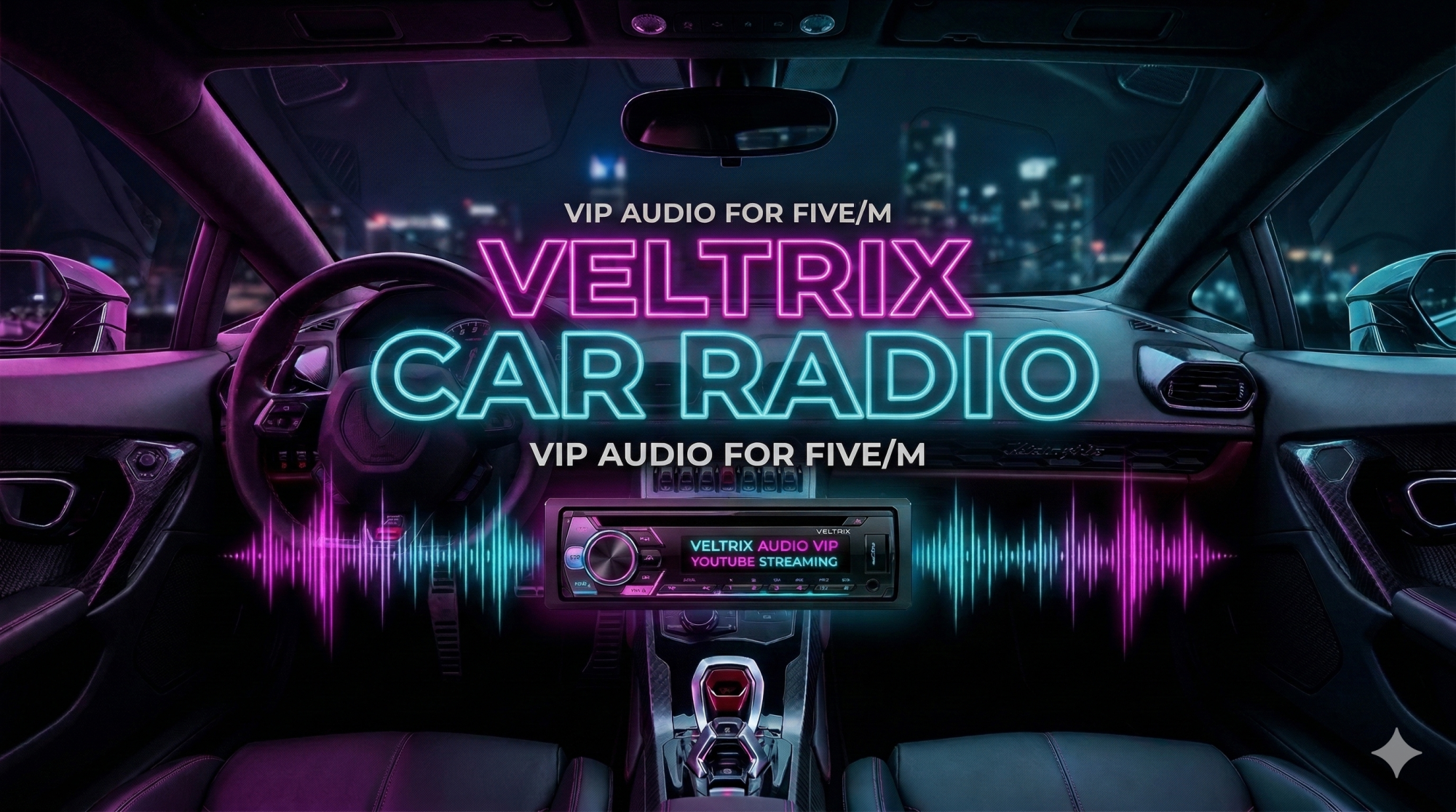
🎵 Veltrix CarRadio VIP
The ultimate car audio system, built for servers that demand perfection and total immersion.
✨ Why choose Veltrix CarRadio?
- Premium Interface (Components V2): Forget outdated and confusing NUIs. The entire interface was strictly designed with the clean, modern, and minimalist standard of Components V2, ensuring an incredibly professional look.
- Mobile & Tablet Ecosystem: Native and seamless integration with LB Phone and LB Tablet. Control your car's music, volume, and queue directly from the palm of your hand through a dedicated app.
- Real-Time Synchronization: Did the song end? Did the queue change? The car's NUI and device apps update instantly with smooth animations, zero delays.
- Dynamic Themes (Light/Dark): The apps intelligently communicate with the in-game phone/tablet OS, instantly adapting colors to the player's preference.
- Smart Auto-Connect: The system has memory! Close the music app to read a text, and when you return, the app automatically reconnects to your last car without missing a beat.
- Realistic Roleplay Installation: Use physical tools and items (e.g.,
radio_tool,vip_radio) with progress bars and animations to install and remove equipment from vehicles. - Economy Protection (Ownership Check): Direct database verification. Actively prevents players from installing expensive sound systems in stolen NPC vehicles on the street.
⚙️ Dependencies
To ensure perfect operation, your server needs:
- Frameworks: QBCore, ESX or Standalone
- Supported Inventories: ox_inventory, qb-inventory, qs-inventory, tgiann
- Core Scripts: ox_lib, oxmysql, xsound
- Integrations (Highly Recommended): lb-phone, lb-tablet
🛠️ Installation & Items
- Place the
veltrix_carradiofolder inside your server'sresourcesfolder. - Open the
config.luafile and adjust your framework and inventory. - Add
ensure veltrix_carradioto yourserver.cfg(after ox_lib and xsound). - Add the items below to your inventory:
For ox_inventory (data/items.lua):
['vip_radio'] = {
    label = 'VIP Radio',
    weight = 1000,
    consume = 0,
    client = { event = 'veltrix_carradio:client:useItem' }
},
['radio_tool'] = {
    label = 'Sound Kit',
    weight = 500,
    consume = 0,
    client = { event = 'veltrix_carradio:client:useRemoveItem' }
}
For qb-core (shared/items.lua):
['vip_radio'] = {['name'] = 'vip_radio', ['label'] = 'VIP Radio', ['weight'] = 1000, ['type'] = 'item', ['image'] = 'radio.png', ['unique'] = false, ['useable'] = true, ['shouldClose'] = true, ['combinable'] = nil, ['description'] = 'Advanced sound system for vehicles.'},
['radio_tool'] = {['name'] = 'radio_tool', ['label'] = 'Sound Kit', ['weight'] = 500, ['type'] = 'item', ['image'] = 'toolbox.png', ['unique'] = false, ['useable'] = true, ['shouldClose'] = true, ['combinable'] = nil, ['description'] = 'Tools used to remove vehicle radios.'},
🛡️ Configuration & Support
The config.lua file is completely unencrypted to allow translation and custom configuration for your server. The script includes a smart system that notifies you directly in the server console whenever a new free update is available!